Free version
Included
The App Store version includes drill and peck-drilling operations with no time limit. Check Google Play for its current feature options.
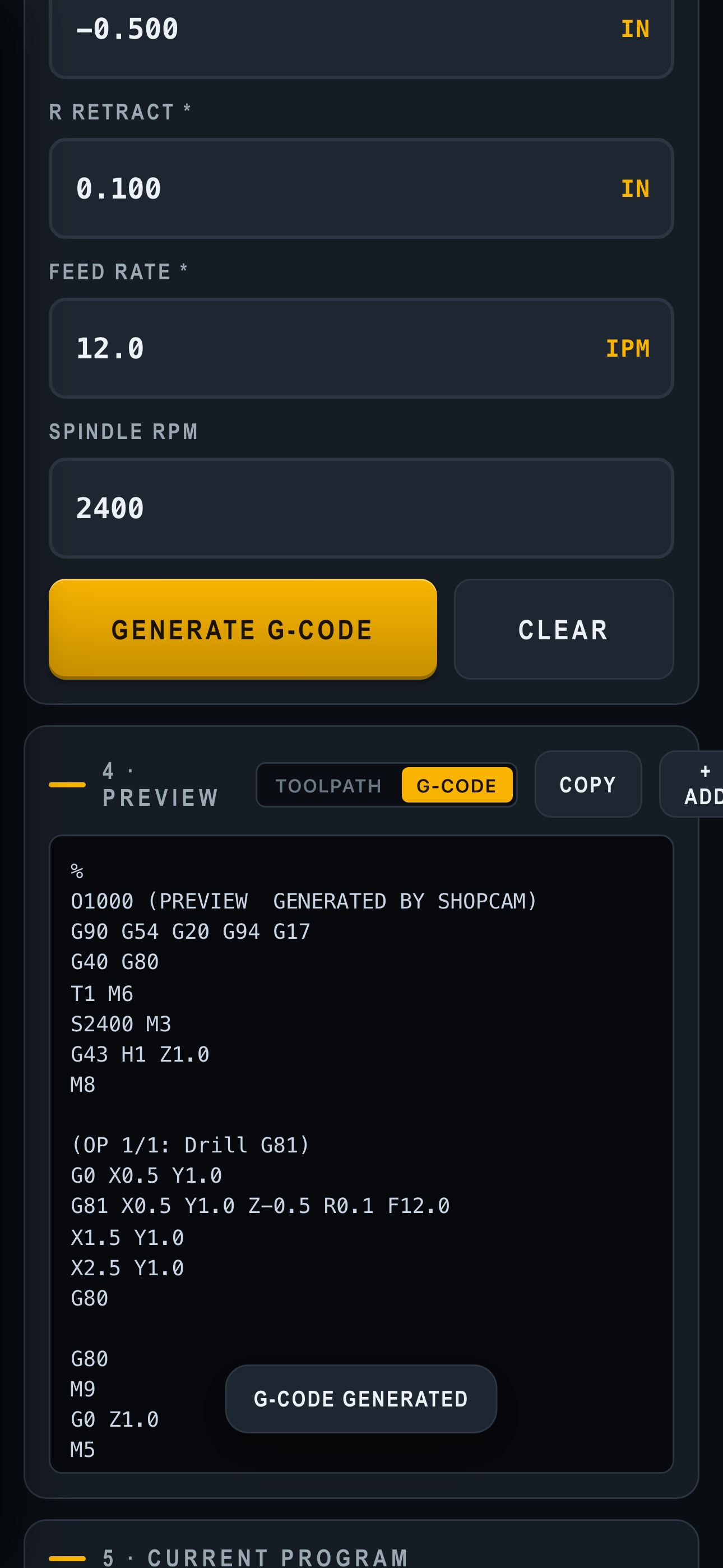
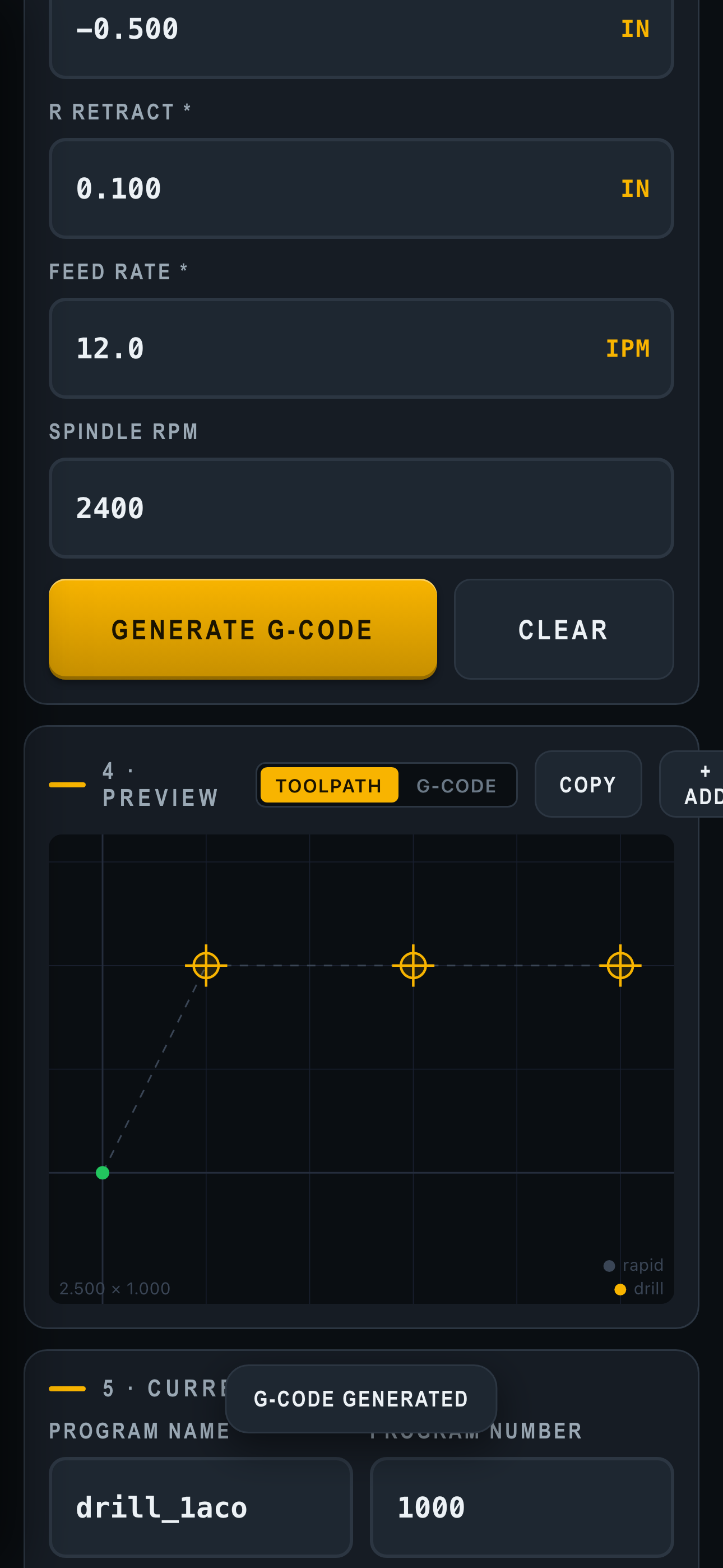
Create CNC programs from operation templates, preview toolpaths, and export controller-aware G-code. The App Store version includes free drill and peck-drill operations; Pro adds more operations.
Try it free
Free download. Optional Pro upgrades.
Operation templates, generated code, and toolpath checks stay in one compact workflow.
Real App Store screenshots
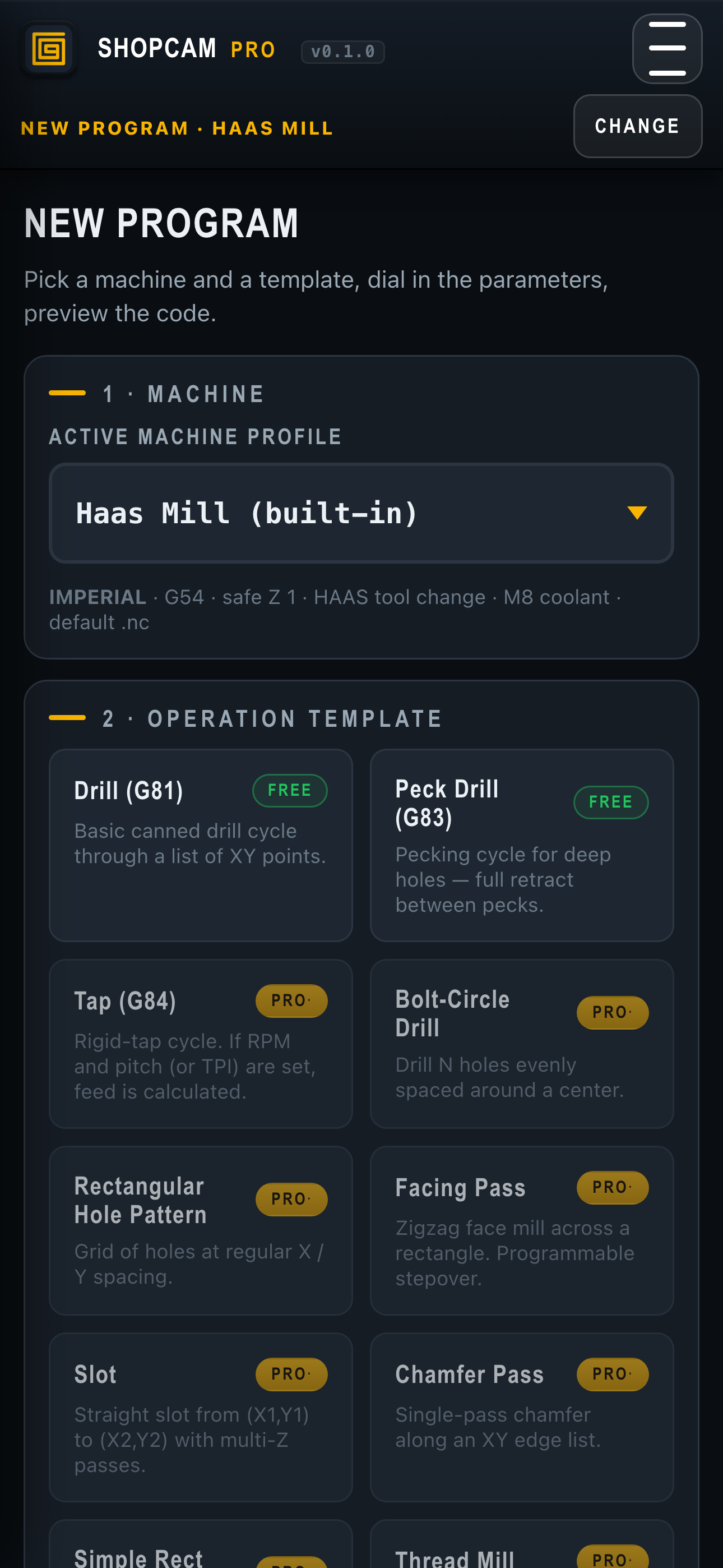
Pick the machine and operation
The selected profile now controls tapping syntax, dwell units, canned-cycle support, and lathe feed mode - not just the file extension. Haas, Fanuc, Centroid, LinuxCNC, Mach3/4, GRBL, and Generic ISO each get their own post behavior.
Build G81 drilling, G83 peck drilling, G84 tapping, bolt circles, and rectangular hole patterns from the dimensions on the print.
Program facing passes, straight slots, chamfers, rectangular pockets, and internal or external thread milling without starting from a blank editor.
Bore soft jaws, run stepped OD or ID turning, and generate G92 single-point threading with lathe-specific headers, tool calls, and feed modes.
Stack operations into a single program with the required retracts, tool changes, spindle restarts, length offsets, headers, and footers inserted between steps.
Read the generated G-code, then switch between top and isometric toolpath views before the program leaves the phone.
Save shop-specific machine profiles and reusable tools, keep default setup values close, and import a ShopCalc tool library.
Machines, tools, and saved programs stay on the device. ShopCAM does not require an account or a cloud connection to build code.
Platforms, access, and the tools included in ShopCAM.
Selecting a profile changes the code that matters, not just the filename. The defaults below come from the post rules shipped in ShopCAM.
The App Store version includes free drill and peck-drilling operations. See your selected store for its current feature and Pro purchase options.
Included
The App Store version includes drill and peck-drilling operations with no time limit. Check Google Play for its current feature options.
In app
Unlock additional operations. See your selected store for current purchase options and prices.
Before you buy
Any trial offer is subject to the eligibility and terms shown before you confirm a purchase.
Paid upgrades are optional. Current prices, purchase options and any trial terms are shown in your store before you pay. Subscriptions renew automatically until cancelled and can be managed through your store account. See the terms and privacy policy.
ShopCAM generates a starting point, not a guarantee. Simulate the program, verify offsets and tools, confirm the setup, and single-block the first run before cutting.
Explore ShopCAM, or contact us for help choosing the right tool for your work.
Try it free
Free download. Optional Pro upgrades.